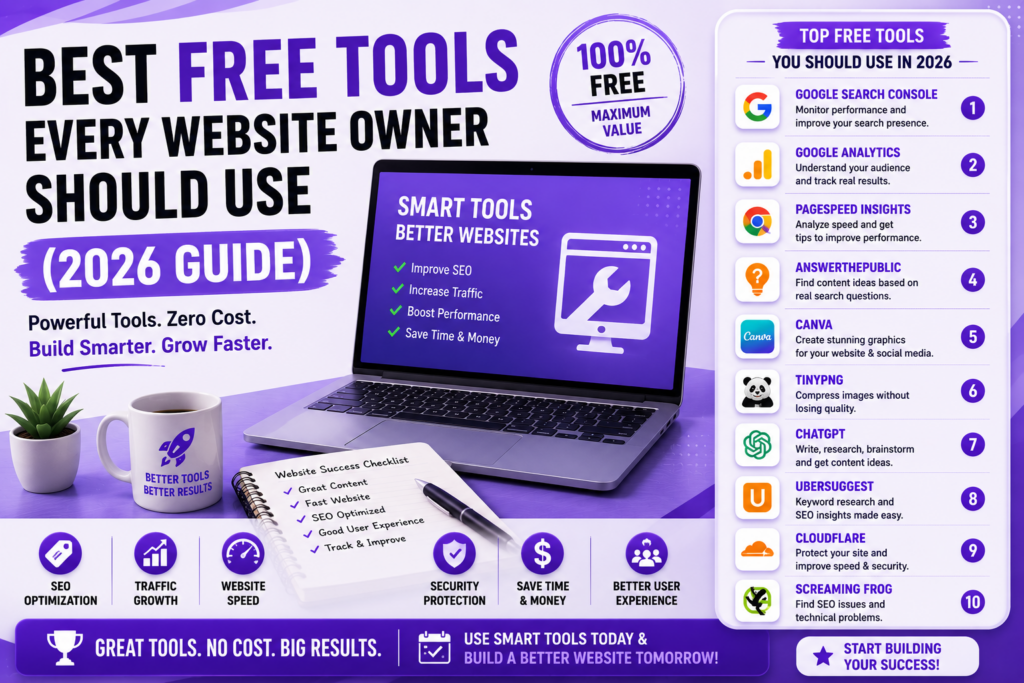
Best Free Tools Every Website Owner Should Use (2026 Guide)
Running a website often feels overwhelming in the beginning. A website owner quickly discovers that creating pages and publishing articles represents only a small part of the journey.
Questions start appearing:
How do I monitor traffic?
How do I improve SEO?
How do I test website speed?
How do I create images?
How do I understand visitors?
How do I protect the website?
The good news is that you do not need expensive software immediately.
Many excellent tools provide substantial value without requiring payment.
This guide explores practical free tools that website owners can use in 2026.
📌 A Quick Reminder Before We Begin
Do not install tools simply because everyone else uses them.
More tools do not automatically create better websites.
Start with needs.
Choose tools that solve specific problems.
Too many tools sometimes create complexity rather than productivity.
🎯 Tool #1: Google Search Console
One of the most valuable free tools available remains Google Search Console.
Website owners can:
Monitor search performance.
Submit sitemaps.
Review indexing.
Identify errors.
Analyze impressions and clicks.
Search Console frequently reveals opportunities hidden inside existing content.
Official access:
📈 Tool #2: Google Analytics
Traffic numbers alone rarely tell complete stories.
Analytics helps answer questions like:
Where visitors come from.
How users behave.
Which content performs well.
How long visitors stay.
Understanding behavior supports better decisions.
Official access:
⚡ Tool #3: Google PageSpeed Insights
Speed affects both users and SEO.
Slow websites create frustration.
PageSpeed Insights evaluates:
Performance.
Core Web Vitals.
Loading behavior.
Optimization suggestions.
Official access:
🔍 Tool #4: AnswerThePublic
Content ideas often become difficult over time.
AnswerThePublic helps reveal questions people ask online.
This creates opportunities for:
Blog ideas.
Long-tail keywords.
Audience insights.
Official access:
🚀 Tool #5: Canva
Visual content increasingly matters.
Website owners often need:
Featured images.
Social graphics.
Banners.
Presentations.
Canva dramatically reduces design barriers.
Official access:
📱 Tool #6: TinyPNG
Large images quietly slow websites.
TinyPNG compresses images while preserving quality.
Image optimization often creates meaningful performance improvements.
Official access:
🧠 Tool #7: ChatGPT
AI tools increasingly support workflows.
Website owners often use AI for:
Brainstorming.
Draft assistance.
Research.
Outlines.
Workflow support.
AI should support expertise rather than replace it.
🔗 Tool #8: Ubersuggest
Keyword research remains central for SEO.
Ubersuggest provides useful keyword insights and competitive ideas.
Official access:
🤖 Tool #9: Cloudflare
Cloudflare offers useful features including:
Security.
Performance improvements.
CDN services.
Protection layers.
Even free plans provide value.
Official access:
📊 Tool #10: Screaming Frog SEO Spider
Website owners frequently overlook technical SEO issues.
Screaming Frog helps identify:
Broken links.
Redirect issues.
Metadata problems.
Crawl behavior.
Technical weaknesses.
Official access:
⚠️ Common Tool Mistakes
Installing too many plugins.
Ignoring analytics.
Collecting data but taking no action.
Using tools without strategy.
Chasing every recommendation.
Tools help decisions.
They do not replace them.
💡 Practical Advice for Preneurs Readers
For Preneurs readers building WordPress websites and blogs, these tools create a strong foundation.
Search Console, Analytics, PageSpeed Insights, AI workflows, and image optimization alone can dramatically improve website quality.
Start small.
Build systems gradually.
❓ FAQs
1. Are free tools enough?
Often yes initially.
2. Is Search Console necessary?
Absolutely.
3. Does PageSpeed matter?
Yes.
4. Is Canva free?
Partially.
5. Should I use AI tools?
Carefully.
6. Can analytics improve traffic?
Indirectly.
7. Is Cloudflare useful?
Very.
8. Do tools replace strategy?
No.
9. Is keyword research important?
Extremely.
10. Should beginners use all tools?
No.
Final Thoughts
Tools do not create successful websites.
People using tools wisely create successful websites.
Start with essentials, understand your data, and let tools support your decisions rather than overwhelm them.