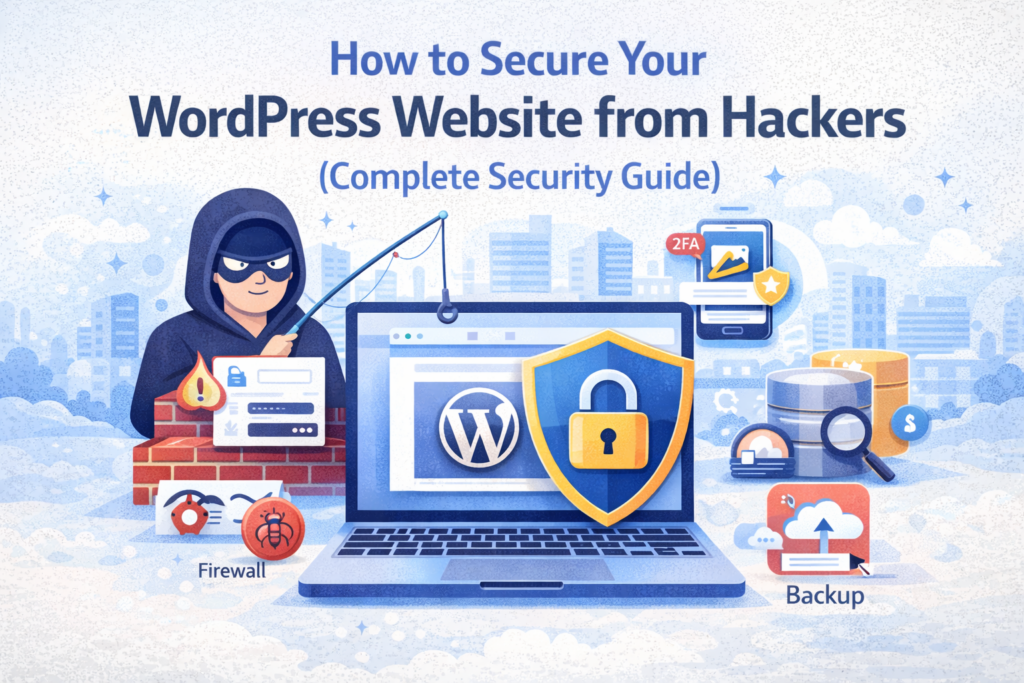
How to Secure Your WordPress Website from Hackers (Complete Security Guide)
Website security is one of the most critical aspects of running a successful WordPress website. Every day, thousands of websites are attacked by hackers, bots, and malicious scripts. If your website is not properly secured, you risk losing your data, traffic, search rankings, and even your entire online business. In this comprehensive guide, you will learn how to secure your WordPress website from hackers using proven techniques, tools, and best practices that are used by professionals.
According to WordPress.org, most security vulnerabilities can be prevented by following proper security measures. Whether you are a beginner or an experienced user, this guide will help you build a secure and reliable website.
📌 Why WordPress Security is Important
WordPress powers more than 40% of websites worldwide, making it a major target for hackers. Cyberattacks can lead to serious consequences including data loss, malware injection, SEO penalties, and downtime. Search engines like Google may blacklist hacked websites, causing a significant drop in traffic and credibility. A secure website not only protects your data but also builds trust with users and improves long-term SEO performance.
⚠️ Common WordPress Security Threats
Before learning how to secure your website, it is important to understand the common threats:
- Brute force login attacks
- Malware and virus injection
- SQL injection attacks
- Cross-site scripting (XSS)
- Outdated plugins and themes
- Weak passwords
- Unsecured hosting environments
Understanding these risks helps you take preventive measures effectively.
🧠 Step-by-Step Guide to Secure WordPress Website
1. Use Strong Login Credentials
The most basic yet powerful security measure is using strong login credentials. Avoid using “admin” as your username and always use a complex password that includes uppercase letters, numbers, and symbols. Weak passwords are one of the easiest ways for hackers to gain access to your website.
2. Install a Security Plugin
Security plugins provide an additional layer of protection. One of the most recommended plugins is Wordfence Security. It offers firewall protection, malware scanning, and login security features. Another good option is Sucuri Security, which provides monitoring and protection against attacks.
3. Enable Two-Factor Authentication (2FA)
Two-factor authentication adds an extra layer of security by requiring a second verification step during login. Even if a hacker gets your password, they will not be able to access your account without the second authentication factor.
4. Keep WordPress Updated
Always keep your WordPress core, plugins, and themes updated. Updates often include security patches that fix vulnerabilities. Running outdated software is one of the biggest security risks.
5. Use Secure Hosting
Your hosting provider plays a crucial role in website security. A reliable hosting environment includes firewall protection, malware scanning, and server-level security. Poor hosting can expose your website to attacks even if your WordPress setup is secure.
6. Install SSL Certificate (HTTPS)
An SSL certificate encrypts data between the user and the server, protecting sensitive information. Google also considers HTTPS as a ranking factor. Most hosting providers offer free SSL certificates.
7. Limit Login Attempts
Brute force attacks attempt thousands of password combinations. You can prevent this by limiting login attempts using plugins like Limit Login Attempts Reloaded.
8. Backup Your Website Regularly
Regular backups ensure that you can restore your website in case of a security breach. Use plugins like UpdraftPlus to automate backups.
9. Change Default Login URL
WordPress uses a default login URL (/wp-admin), which is known to attackers. Changing this URL reduces brute force attacks significantly.
10. Disable File Editing
Disable file editing from the WordPress dashboard to prevent unauthorized changes:
define('DISALLOW_FILE_EDIT', true);
🔍 Advanced Security Measures
Firewall Protection
A web application firewall (WAF) blocks malicious traffic before it reaches your site. Services like Sucuri and Cloudflare provide advanced firewall protection.
Database Security
Change the default database prefix and restrict database access to improve security.
Disable XML-RPC
XML-RPC can be exploited by attackers. Disable it if not required.
📊 Security and SEO Connection
Website security directly affects SEO. Google may penalize or blacklist hacked websites. According to Google Search Central, securing your website is essential for maintaining search rankings.
💡 Pro Tip
Using a pre-secured WordPress setup with optimized themes and managed hosting can significantly reduce security risks. Beginners should consider complete solutions that include built-in security features.
❌ Common Security Mistakes
- Using weak passwords
- Ignoring updates
- Installing nulled plugins/themes
- No backups
- Cheap hosting
❓ FAQs
1. Is WordPress secure?
Yes, WordPress is secure if properly maintained.
2. What is the biggest security risk?
Weak passwords and outdated plugins.
3. Do I need a security plugin?
Yes, it adds an extra layer of protection.
4. How often should I update WordPress?
Immediately when updates are available.
5. Can hackers access my website easily?
Only if security measures are weak.
6. What is SSL?
Encryption for secure data transfer.
7. Should I backup my site?
Yes, regularly.
8. Is free hosting safe?
Usually not recommended.
9. Can security affect SEO?
Yes, insecure sites may be penalized.
10. What is firewall?
It blocks malicious traffic.
Final Thoughts
Securing your WordPress website is not optional — it is essential. By following the strategies in this guide, you can protect your website from hackers, improve user trust, and maintain strong SEO performance. Always stay updated, use reliable tools, and take proactive measures to keep your website safe. A secure website is the foundation of a successful online presence.