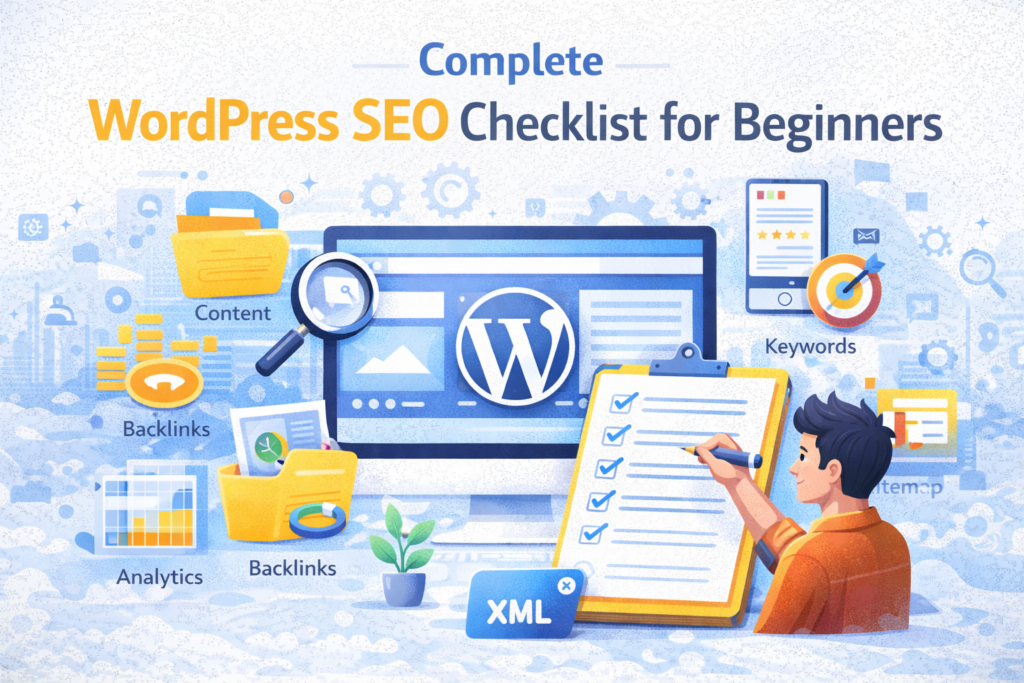
Complete WordPress SEO Checklist for Beginners (Step-by-Step Guide)
Search Engine Optimization (SEO) is the foundation of any successful website. Without proper SEO, even the best-designed website may fail to attract traffic. If you are using WordPress, you already have a strong advantage, but you still need to optimize your website correctly. This complete WordPress SEO checklist will guide you step by step to improve your rankings, increase organic traffic, and build long-term authority.
According to Google Search Central, SEO involves improving both content quality and technical structure. This guide covers everything a beginner needs to know in 2026.
📌 What is WordPress SEO?
WordPress SEO refers to optimizing your website built on WordPress so that it ranks higher in search engines like Google. It includes on-page SEO, technical SEO, content optimization, and performance improvements. The goal is to make your website more visible and useful for users.
🧠 Step-by-Step WordPress SEO Checklist
1. Choose an SEO-Friendly Theme
Your theme plays a major role in SEO. Choose a lightweight, fast, and mobile-friendly theme. Poorly coded themes can negatively affect performance and rankings.
2. Install an SEO Plugin
An SEO plugin helps optimize your website easily. One of the best options is Rank Math. It allows you to optimize titles, meta descriptions, schema, and more.
3. Set Permalink Structure
Go to Settings → Permalinks and select “Post Name”. This creates clean and SEO-friendly URLs.
Example:
yourwebsite.com/wordpress-seo-guide
4. Use Proper Keywords
Keyword research is essential. Use tools to find relevant keywords and include them naturally in your content.
Avoid keyword stuffing.
5. Optimize Title Tags and Meta Descriptions
Your title and meta description affect click-through rate.
- Include primary keyword
- Keep title under 60 characters
- Keep description under 160 characters
6. Use Heading Structure (H1, H2, H3)
Proper headings improve readability and SEO.
- H1 for title
- H2 for main sections
- H3 for sub-sections
7. Optimize Images
Images should be optimized for speed and SEO.
- Use descriptive file names
- Add alt text
- Compress images
Use tools like TinyPNG.
8. Improve Website Speed
Speed is a ranking factor. Use caching, optimize images, and choose fast hosting.
Test speed using Google PageSpeed Insights.
9. Make Website Mobile-Friendly
Google uses mobile-first indexing. Your website must work perfectly on mobile devices.
10. Create High-Quality Content
Content is the most important factor.
- Write original content
- Solve user problems
- Use clear structure
11. Internal Linking Strategy
Link your articles to each other. This helps search engines understand your website structure and improves rankings.
12. Build Backlinks
Backlinks are one of the strongest ranking factors.
Focus on quality, not quantity.
13. Add XML Sitemap
An XML sitemap helps search engines crawl your website.
SEO plugins automatically generate sitemaps.
14. Submit Website to Google
Use Google Search Console to submit your website and monitor performance.
15. Use Schema Markup
Schema helps search engines understand your content better.
It can improve rich results in search.
16. Secure Your Website (HTTPS)
Security is a ranking factor. Use SSL certificate.
17. Fix Broken Links
Broken links harm SEO and user experience.
18. Optimize for User Experience
Good UX improves engagement and rankings.
19. Update Content Regularly
Fresh content performs better in search results.
20. Monitor SEO Performance
Use tools like Google Analytics and Search Console.
📊 SEO and AI Optimization
In 2026, SEO is closely connected with AI. Search engines understand user intent better than ever. Focus on:
- Answering user queries
- Providing value
- Structured content
Content should be written for humans first, then optimized for search engines.
💡 Pro Tip
Using pre-optimized WordPress setups with SEO-ready themes can significantly improve rankings from day one.
❌ Common SEO Mistakes
- Keyword stuffing
- Duplicate content
- Ignoring mobile optimization
- Slow website
- No internal linking
❓ FAQs
1. What is WordPress SEO?
Optimizing WordPress site for search engines.
2. Is SEO difficult for beginners?
No, basic SEO is easy to learn.
3. How long does SEO take?
3–6 months for results.
4. Do plugins improve SEO?
Yes, they help optimize technical aspects.
5. What is most important SEO factor?
Content quality.
6. Is speed important for SEO?
Yes, it is a ranking factor.
7. What is backlink?
Link from another website.
8. Should I update old content?
Yes, it improves rankings.
9. Is mobile optimization necessary?
Yes, essential.
10. Can I do SEO without tools?
Basic SEO yes, advanced requires tools.
Final Thoughts
SEO is a long-term process, but it is the most powerful way to grow your website organically. By following this checklist, you can build a strong foundation and achieve consistent growth.
Focus on quality, consistency, and user value — and your website will succeed.