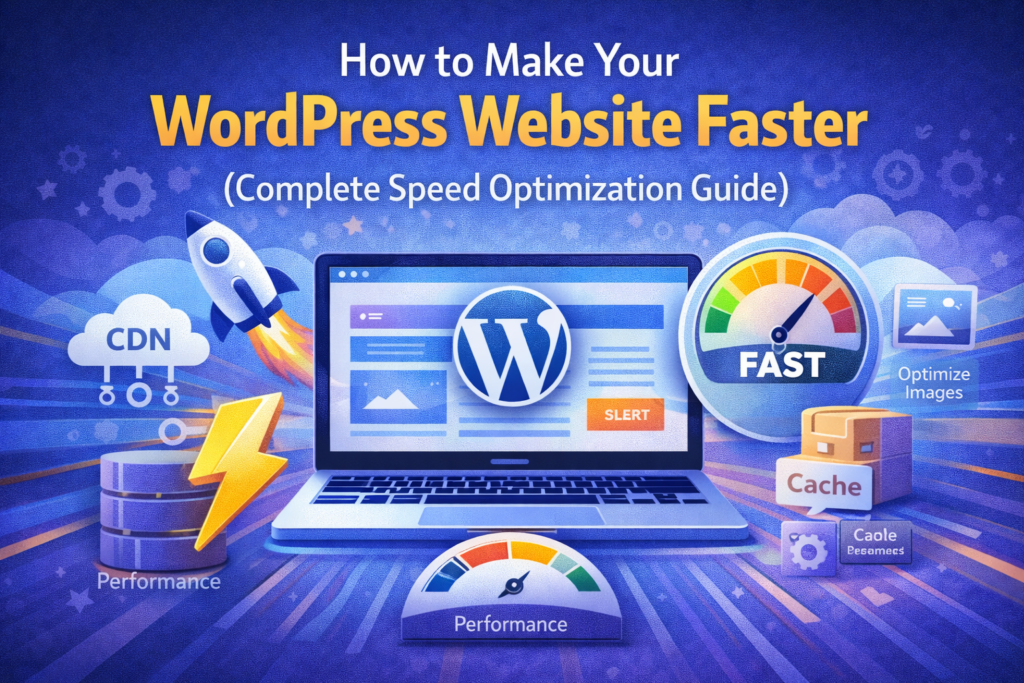
How to Make Your WordPress Website Faster (Complete Speed Optimization Guide)
Website speed is one of the most important factors for online success. A slow WordPress website can negatively impact your SEO rankings, user experience, and conversions.
According to Google PageSpeed Insights, even a 1-second delay in page load time can significantly reduce user engagement.
In this complete guide, you will learn how to make your WordPress website faster using proven techniques used by professionals.
🚀 Why Website Speed Matters
- Improves SEO rankings
- Enhances user experience
- Increases conversions
- Reduces bounce rate
Google considers speed as a ranking factor, especially for mobile devices.
⚡ Common Causes of Slow WordPress Websites
- Poor hosting
- Heavy themes
- Too many plugins
- Unoptimized images
- No caching
- External scripts
🧠 Step-by-Step Guide to Speed Up WordPress
1. Choose Fast and Reliable Hosting
Your hosting plays the biggest role in website speed.
- Choose optimized WordPress hosting
- Avoid overloaded shared servers
Tip: A well-configured hosting environment can drastically improve performance.
2. Use a Lightweight Theme
Heavy themes slow down your website.
Choose themes that are:
- Lightweight
- SEO optimized
- Fast loading
3. Install a Caching Plugin
Caching reduces server load and improves speed.
Recommended plugins:
4. Optimize Images
Images are often the biggest cause of slow websites.
- Use WebP format
- Compress images
Tools:
5. Minify CSS, JavaScript, and HTML
Minification reduces file size and improves load time.
Use plugins or tools to remove unnecessary code.
6. Use a Content Delivery Network (CDN)
CDN distributes your content globally.
Popular CDN:
7. Reduce Plugin Usage
Too many plugins slow down your site.
Keep only necessary plugins.
8. Enable GZIP Compression
GZIP reduces file size and improves speed.
9. Optimize Database
Clean unnecessary data regularly.
Use plugins like WP-Optimize.
10. Disable Unused Features
Remove unused scripts, fonts, and plugins.
📊 How to Test Website Speed
Use these tools:
🔍 Advanced Optimization Techniques
- Lazy loading images
- Preloading resources
- Using HTTP/2
- Database indexing
🛡️ Speed + Security Connection
Secure websites perform better.
Use SSL and security plugins.
💡 Pro Tip
Using a pre-optimized WordPress setup with fast hosting and lightweight themes can save hours of optimization work.
❌ Common Mistakes
- Using heavy page builders
- Ignoring image optimization
- Using cheap hosting
❓ FAQs
1. What is ideal page load time?
Under 2 seconds.
2. Does speed affect SEO?
Yes, it is a ranking factor.
3. What slows WordPress most?
Hosting, images, plugins.
4. Is CDN necessary?
Recommended for global traffic.
5. Can beginners optimize speed?
Yes, with basic steps.
6. Do themes affect speed?
Yes, significantly.
7. How often optimize database?
Monthly.
8. What is caching?
Storing static files for faster loading.
9. Are plugins harmful?
Too many can slow site.
10. Best speed tool?
Google PageSpeed Insights.
Final Thoughts
Website speed is critical for SEO, user experience, and business success.
By applying these techniques, you can significantly improve your WordPress website performance.
Start optimizing today and stay ahead of competitors.