Technical SEO Basics for Beginners (Complete Guide for 2026)
When people hear the term SEO, they usually think about keywords, content, and backlinks. While those are important, there is another critical component that many beginners ignore — technical SEO. Without a strong technical foundation, even the best content may struggle to rank on Google.
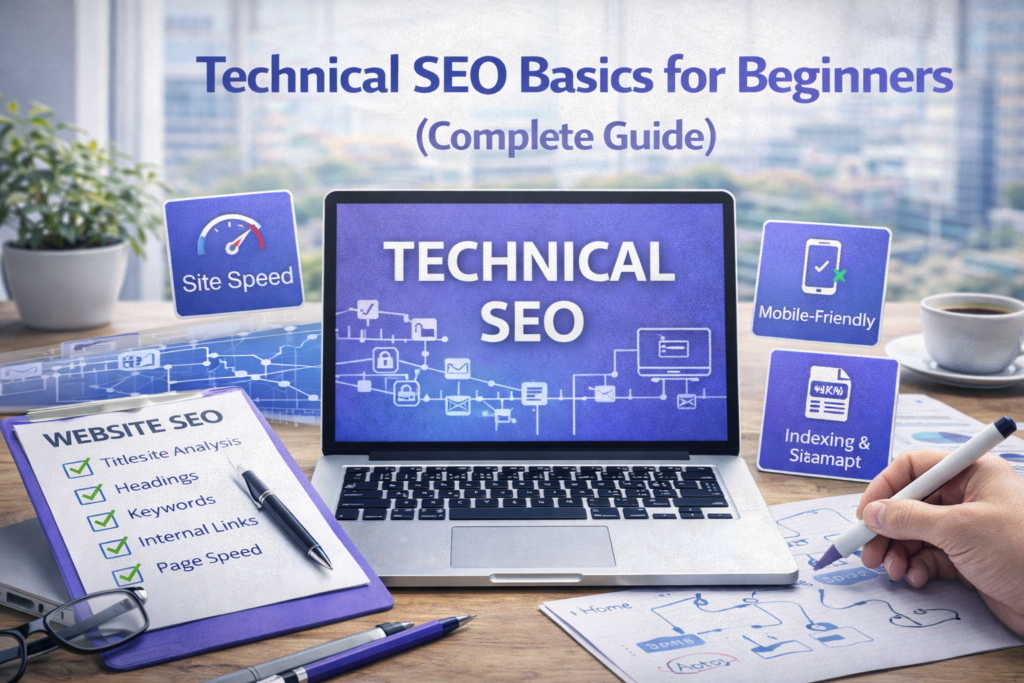
Technical SEO ensures that your website is accessible, fast, and easy for search engines to crawl and index. It focuses on improving the backend structure of your website so that search engines can understand your content efficiently.
In 2026, search engines have become smarter, but they still rely heavily on technical signals. According to Google’s SEO Starter Guide, proper site structure, speed, and crawlability are essential for ranking success.
This guide will explain technical SEO in a simple, practical way so that even beginners can understand and implement it effectively.
📌 What is Technical SEO?
Technical SEO refers to the process of optimizing your website’s infrastructure so that search engines can crawl, index, and rank your content efficiently. Unlike on-page SEO, which focuses on content, technical SEO deals with how your website functions behind the scenes.
Think of your website like a building. Content is the furniture and decoration, while technical SEO is the foundation and structure. Without a strong foundation, everything else becomes unstable.
🎯 Why Technical SEO is Important
Technical SEO directly impacts how search engines interact with your website. If search engines cannot properly crawl or understand your site, your content will not appear in search results.
It also affects user experience. A slow, broken, or poorly structured website leads to high bounce rates and lower rankings. Google considers user experience as a ranking factor, which makes technical SEO even more important.
🧠 Core Elements of Technical SEO
1. Website Crawling and Indexing
Crawling is the process by which search engines discover your pages. Indexing is the process of storing those pages in search engine databases.
If your pages are not indexed, they will not appear in search results.
You can check indexing status using Google Search Console. It shows which pages are indexed and highlights issues that need attention.
Make sure important pages are accessible and not blocked by robots.txt or noindex tags.
2. XML Sitemap
An XML sitemap is a file that lists all important pages of your website. It helps search engines discover your content more efficiently.
Most WordPress SEO plugins automatically generate sitemaps. You can submit your sitemap through Google Search Console to improve indexing.
Learn more from Google Sitemap Guide.
3. Website Speed Optimization
Speed is a crucial ranking factor. A slow website not only frustrates users but also reduces your chances of ranking higher.
Use tools like Google PageSpeed Insights to analyze your website speed.
Improving hosting quality, compressing images, enabling caching, and minimizing code can significantly boost performance.
4. Mobile-Friendliness
Google uses mobile-first indexing, which means it primarily evaluates your website based on its mobile version. If your site is not mobile-friendly, your rankings will suffer.
Your design should adapt smoothly to different screen sizes, ensuring a seamless experience for users on all devices.
5. Secure Website (HTTPS)
Security is a ranking factor. Websites with HTTPS are considered more trustworthy than those with HTTP.
An SSL certificate encrypts user data and improves credibility. Most hosting providers offer free SSL certificates.
6. URL Structure and Canonicalization
Clean and consistent URLs help search engines understand your content better. Avoid duplicate URLs that point to the same content.
Canonical tags help indicate the preferred version of a page, preventing duplicate content issues.
7. Fix Broken Links and Errors
Broken links create a poor user experience and affect SEO. Regularly check for errors such as 404 pages and fix them promptly.
Use tools or plugins to monitor and resolve broken links.
8. Structured Data (Schema Markup)
Structured data helps search engines understand your content better and can enhance your appearance in search results.
For example, it can enable rich snippets such as ratings, FAQs, and product details.
Learn more from Schema.org.
9. Core Web Vitals
Core Web Vitals measure user experience based on loading speed, interactivity, and visual stability.
These metrics are part of Google’s ranking algorithm and should not be ignored.
More details are available at web.dev.
10. Internal Structure and Navigation
A well-structured website makes it easier for both users and search engines to navigate.
Your pages should be logically organized, and important content should be easily accessible within a few clicks.
📊 Technical SEO and AI Optimization
In 2026, search engines use AI to understand websites more deeply. However, they still rely on technical signals to process content efficiently.
A technically optimized website ensures that AI systems can interpret your content correctly, improving your chances of ranking in advanced search features.
⚠️ Common Technical SEO Mistakes
Many beginners ignore technical SEO completely, focusing only on content. Others use poor hosting, neglect mobile optimization, or fail to fix crawl errors.
These mistakes can significantly limit your website’s growth, even if your content is excellent.
💡 Pro Tip
Technical SEO may seem complex, but you do not need to master everything at once. Start with the basics like speed, mobile optimization, and indexing. These alone can make a significant difference.
❓ FAQs
1. What is technical SEO?
Optimizing website structure for search engines.
2. Is technical SEO important?
Yes, it is essential for ranking.
3. Do beginners need technical SEO?
Yes, basic knowledge is necessary.
4. What is XML sitemap?
A file listing website pages.
5. Does speed affect SEO?
Yes, it is a ranking factor.
6. What is mobile-first indexing?
Google prioritizes mobile version.
7. What is HTTPS?
Secure version of website.
8. What are Core Web Vitals?
User experience metrics.
9. Can I do technical SEO without coding?
Yes, basic optimizations are easy.
10. How long to see results?
Few weeks to months.
Final Thoughts
Technical SEO is the backbone of your website. It ensures that your content is accessible, fast, and optimized for search engines.
By implementing these fundamentals, you create a strong foundation that supports your entire SEO strategy.
Get the technical basics right, and everything else becomes easier.